
What if you could produce stunning, cinematic videos with just a few words?
This isn’t a distant dream. A revolutionary creative platform is transforming how we make visual content. It turns simple text into images, images into moving scenes, and ideas into full animations.
Gone are the days of needing expensive software or years of training. This open-source technology puts incredible power directly in your hands. You can craft dynamic videos for any purpose, from social media posts to educational lessons.
The process is designed to be intuitive. You describe your vision, and the video generator brings it to life. It handles complex tasks like syncing audio and creating multi-shot narratives. This means you focus on your story, not the technical details.
Whether you’re a marketer, educator, or storyteller, this tool accelerates your workflow. It empowers you to create professional-quality content in minutes. Welcome to a new era of creativity where your imagination is the only limit.
Key Takeaways
- Professional-quality video creation is now accessible to everyone, regardless of skill level.
- Transform simple text descriptions into dynamic visual content quickly.
- Animate static images and create multi-shot narratives with ease.
- Leverage cutting-edge, open-source technology without needing technical expertise.
- Significantly accelerate your content creation workflow for marketing, education, or entertainment.
- Join a growing global community of creators using this powerful platform.
- Produce impressive, cinematic results without a large budget or studio resources.
Introduction to Wan Ai Technology
Imagine a tool that understands your creative vision and translates it into moving pictures with sound. This is the core promise of modern video generation platforms. They have evolved rapidly, moving from simple animations to complex cinematic storytelling.
What is Wan Ai?
You are interacting with a sophisticated platform designed for creators. It turns your text prompts into dynamic videos. It also transforms static images into clips and can use references to keep characters and voices consistent.
The latest version, Wan 2.6, delivers professional-grade results. It handles synchronized audio and multi-shot narratives in one workflow. You get high visual fidelity without needing post-production skills.
The Evolution of AI Video Generators
The journey of this technology is remarkable. Early tools offered basic motion. Today’s platforms understand natural language and cinematography instructions.
“The leap from generating wobbly clips to producing stable, audio-synced stories in just a few years is astounding.”
Open-source roots fostered a global community. This collaboration sped up improvements. Now, commercial versions balance power with accessibility for all creators.
| Feature | Early Generators | Current Platform (e.g., Wan 2.6) |
|---|---|---|
| Audio Sync | None or basic | Native, coherent sound & dialogue |
| Story Complexity | Single shot | Multi-shot cinematic narratives |
| Output Quality | Low resolution | Up to 1080P for 15 seconds |
| Instruction Following | Basic | Strong, interprets creative vision |
This evolution means you can create impressive content faster. Your wan video projects benefit from years of rapid advancement.
Key Features and Benefits for Video Generation
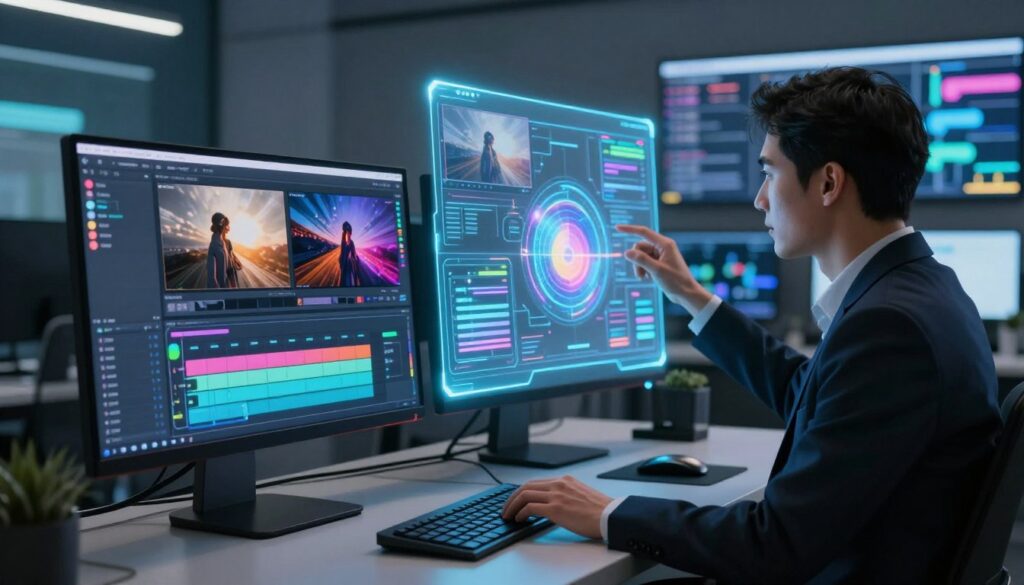
Creating professional videos no longer requires stitching together multiple tools and files. The latest platform brings everything into one powerful workflow. You get advanced features that handle the hard parts for you.
This means you focus on your creative vision. The technology ensures high quality and perfect consistency from start to finish.
Advanced Multimodal Capabilities and Reference-Driven Generation
You can now use short video clips as references. The system replicates specific characters, objects, and even their voices with amazing accuracy.
This reference-driven approach keeps your visuals and audio identity locked in. Your hero character will look and sound the same in every scene.
Enhanced Audio-Visual Synchronization and Shot Storytelling
The native audio sync is a game-changer. Sound and movement feel born together, not added later. This creates truly engaging storytelling.
You can describe complex shots using simple language. The platform orchestrates multiple scenes into one smooth video. It maintains style and narrative flow automatically.
| Feature | Traditional Workflow | This Platform |
|---|---|---|
| Character Consistency | Manual editing across shots | Automatic, even with angle changes |
| Audio Integration | Separate recording & syncing | Native co-generation |
| Multi-Shot Narrative | Piece together clips in an editor | Generated in a single prompt |
| Output Quality | Depends on skill & software | Consistent 1080P for 15 seconds |
These combined features empower you to produce complete stories quickly. You achieve professional visuals and crisp audio without the technical headache.
Step-by-Step Guide to Generating Your Videos
Ready to turn your ideas into moving pictures? Let’s walk through the simple steps. First, visit the official platform. Locate the prompt menu at the bottom center of your screen.
This menu is your gateway to all creation tools. You can choose between text-to-video and image-to-video workflows.
Creating Text-to-Video Prompts
Your first step is crafting a descriptive text prompt. Write up to 800 characters. Clearly describe subjects, actions, and mood.
Use tools like Inspiration Mode to improve your prompts. Next, select a generation model for quality or speed. You can upload a reference image for visual direction.
Then, explore over 100 styles in the Palettes tab. Pick an aesthetic like “Anime” or “3D Cartoon”. Choose your aspect ratio for the final platform.
Press “Enter” to generate video. Your clip will be ready in minutes.
Transforming Images into Captivating Video Clips
This method is even more straightforward. Your input is one or two static images. Upload them directly into the tool.
The system analyzes and animates your photos. It adds natural motion and depth effects. The aspect ratio scales automatically from your original image.
This is a powerful way to create video content from existing visuals. No complex prompts are needed.
| Workflow | Primary Input | Key Action |
|---|---|---|
| Text-to-Video | Descriptive text prompt | Select style & model, then generate |
| Image-to-Video | One or two reference images | Upload, then the AI animates them |
| Both Methods | Your creative vision | Final step: initiate generation |
Experiment with different inputs. You’ll quickly learn how the system interprets your vision. Each attempt refines your technique for better video results.
Essential Settings and Customization Options
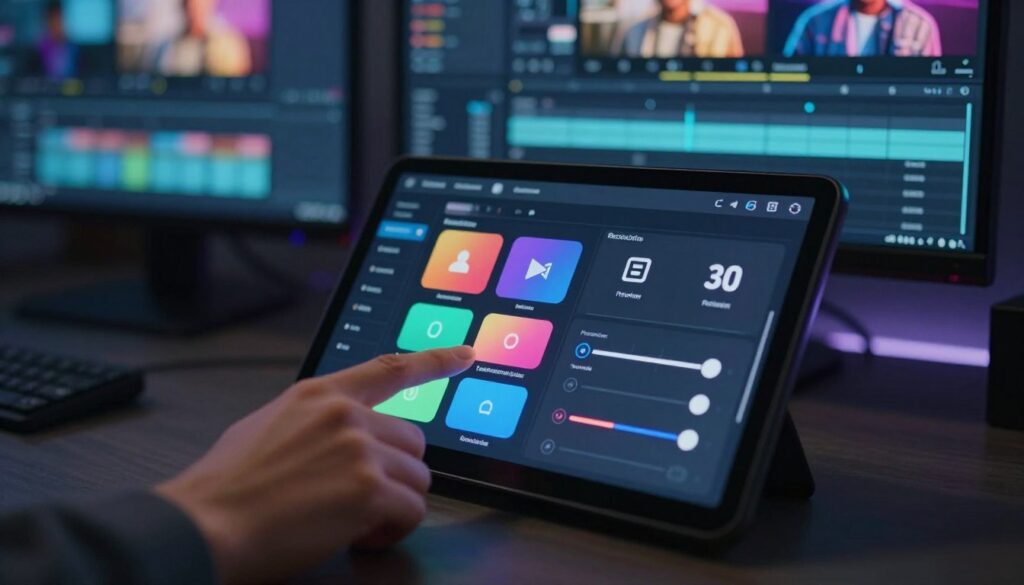
Fine-tuning your video settings can make the difference between a good clip and a great one. These options let you tailor output for specific platforms and purposes.
Choosing the Right Generation Model and Aspect Ratio
Your choice of generation model directly affects quality and speed. Turbo versions are fast for quick drafts. Plus models deliver higher visual fidelity for final projects.
Aspect ratio shapes how your content is viewed. Use 16:9 for YouTube and websites. Opt for 9:16 for mobile platforms like TikTok.
Resolution settings ensure sharp, professional results. Output up to 1080P provides crisp detail for large screens. This makes your video stand out in crowded feeds.
Leverage built-in effects and styles. Inspiration Mode suggests creative variations. Sound Effects add rich audio layers to your scenes.
For image video generation, control how static images animate. Adjust movement intensity and camera perspective. This brings your photos to life with dynamic motion.
Explore over 100 artistic styles in the Palettes library. Preview how different treatments transform your concept. Align the output with your brand or creative vision.
Experiment with these settings to find optimal configurations. The right combination unlocks the full potential of your content.
Mastering wan ai for Dynamic Storytelling
A powerful narrative hinges on consistent characters and smooth transitions between moments. This platform’s intelligent multi-shot feature understands your creative vision. It orchestrates multiple scenes into one cohesive video.
Tips for Strong Narrative Consistency
Start with a carefully structured prompt. Describe how your story progresses from scene to scene. Include emotional beats and logical connections.
Use reference-driven generation for perfect character consistency. Upload an image of your protagonist. The system will replicate them across different angles and lighting.
Control the motion intensity to match your story’s mood. Gentle flows work for calm scenes. Rapid movement heightens action sequences.
Plan thoughtful transitions between clips. Describe matching camera movements or recurring visual motifs. This makes sequences feel intentional and smooth.
Work within the 15-second maximum length. Focus on a single compelling moment or emotional beat. Avoid overly complex plots that feel rushed.
Iterate and refine your prompts. Generate an initial version, analyze it, and adjust instructions. Specify camera angles and pacing for better results.
| Narrative Element | Weak Prompt Example | Strong Prompt Example |
|---|---|---|
| Character Consistency | “A person walks.” | “The same young woman in a red jacket walks from the park to her apartment, maintaining her appearance.” |
| Motion Control | “Something moves.” | “Gentle camera pan follows the character as she slowly walks, creating a contemplative mood.” |
| Scene Transition | “Then something else happens.” | “Cut to a close-up of her hand opening a letter, matching the pacing of the previous shot.” |
Master these techniques to unlock true storytelling potential. Your video projects will flow with professional coherence.
Creative Uses and Marketing Applications
The true power of a creative tool is revealed in its diverse real-world applications. This technology transforms workflows across many professional fields.
Leveraging AI for Engaging Social Media Content
You can revolutionize your social media strategy. Generate attention-grabbing video posts in just a few minutes. This allows for consistent posting and quick responses to trends.
Marketing teams find immense value here. They create compelling product demos and brand stories. The platform ensures visual consistency with established guidelines.
Educators also benefit greatly. They transform abstract ideas into clear visual explanations. Engaging educational content boosts student understanding and retention.
Small businesses can now compete on a new level. They produce professional-quality marketing content without a big budget. This technology makes your brand look truly competitive.
The speed unlocks timely media opportunities. You create relevant content while audience interest is high. This applies to internal communications, training, and more.
Troubleshooting and Optimizing Your Video Output
Hitting a creative snag is a normal part of the video generation process, not a sign of failure. This section helps you solve common issues and polish your results for professional quality. You will learn to troubleshoot problems and enhance your output through smart adjustments.
Overcoming Common Generation Challenges
Vague prompts often lead to inconsistent results. Be specific about subjects, actions, and mood. For challenges like character inconsistency or odd motion, use reference images or short clips.
This gives the platform a concrete visual target. Your support resources scale with your needs. Basic tiers get email help, while Professional plans include 24/7 priority support.
Enhancing Quality through Fine-Tuning Settings
Systematic editing of your generation settings unlocks better quality. Test different model versions for your content type. Experiment with style presets and aspect ratios.
Iterative refinement is your most reliable path. Generate a draft, evaluate it, and adjust your prompts. Then regenerate to approach your ideal outcome.
Fine-tune motion intensity and audio balance. This editing reduces artifacts and emphasizes strong effects. You learn which combinations produce your preferred aesthetic.
Maintain realistic expectations. Some complex requests need multiple attempts. Persistence with strategic editing typically yields impressive video results that meet professional standards.
Integrating Expert Guidance and Consultation
Unlock the full potential of your creative projects with direct access to industry-tested strategies and techniques. Personalized coaching transforms your learning process.
You bypass months of frustrating experimentation. An expert helps you avoid common pitfalls and apply advanced methods immediately.
Schedule Your Consultation with Dee Ferdinand
You can get started with dedicated, one-on-one support. Schedule a call directly with Dee Ferdinand at +6281289633588.
This consultation provides tailored advice for your specific goals. Whether you’re creating marketing videos using the platform or personal projects, receive actionable feedback.
Reach Out via Social Media @deeferdinand
For a more informal connection, find Dee on all major platforms. Use the handle @deeferdinand to send a direct message or view a portfolio of example videos.
This channel is perfect for quick questions before you commit to a full session. You can see professional videos made using the generator and get inspired.
| Support Channel | Best Use Case | Typical Response |
|---|---|---|
| Phone Consultation | Deep-dive strategy & personalized project review | Scheduled, dedicated hour |
| Social Media (@deeferdinand) | Initial inquiries & inspiration from example work | Within a few hours |
| Combined Approach | Mastering complex video generation from start to finish | Continuous, flexible support |
Getting started with expert guidance is a smart investment. It accelerates your ability to produce stunning videos with the generator.
You gain confidence and professional results much faster. Don’t navigate the platform alone—reach out and get started today.
Conclusion
With the knowledge you’ve gained, you stand at the threshold of a new creative era. You have explored a powerful platform that turns text and images into dynamic videos.
This technology simplifies professional video creation. You can add synchronized music and sound effects with ease. Your final clips are ready to download and share.
Now is the time to put this understanding into action. Start by using the video generator for your next project. Experiment with different styles and settings to find your unique voice.
Remember, expert guidance is available if you need it. Your journey into advanced content generation begins today. Unlock your storytelling potential and create something amazing.